
AI Product Description Generator for Clearer Product Copy

Give your products descriptions that do more than repeat supplier details. The DSers AI product description generator turns supplier information into editable, customer-focused copy inside your Import List. Bring your store’s voice to each listing, with control over the wording before it goes live.

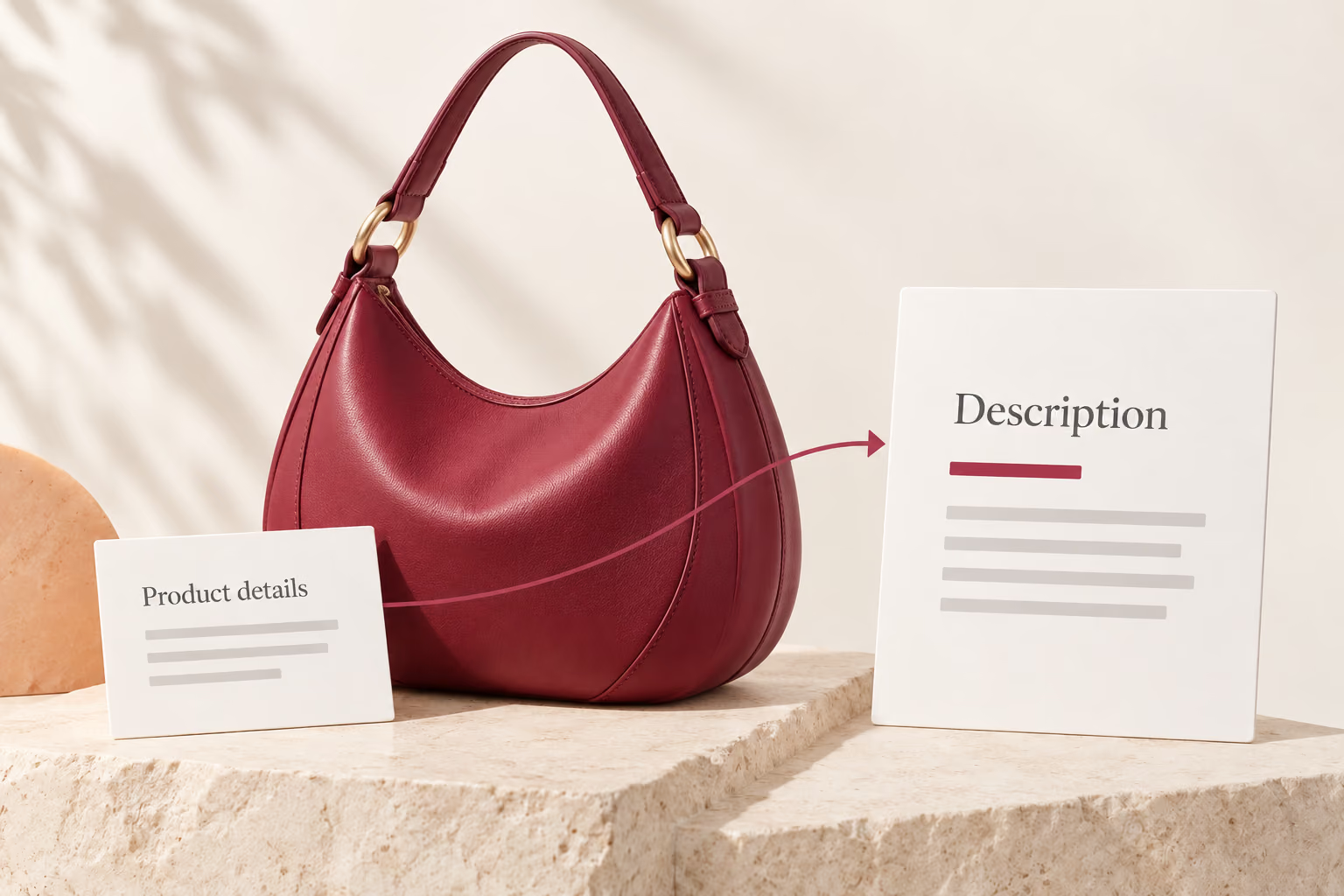
Conceptual product details flowing into a draft description beside a berry leather crescent shoulder bag.

Give customers a reason to look closer

An AI product description generator turns product information into editable copy for your store. In DSers, the Description tab contains two separate sections: Overview and Specification. AI description generation is part of this product-editing workflow.

Product details give customers the facts. Clear, customer-focused writing helps explain those facts in context. DSers gives you a draft to refine around your product and your store’s voice, while you remain in control of the final wording.

The writing happens inside the same editor where you prepare imported products for your store. You can develop the copy alongside your images, variants, and pricing, then review the complete listing before publishing.

Close view of berry leather, tonal stitching and a gold strap ring on the same crescent shoulder bag.

Product copy with your store’s point of view

Give product details a customer-facing story

Supplier listings often leave the selling message buried in raw product details. DSers AI uses your product information to draft a description that puts those details into context. For a newly imported item, the result gives you copy to develop around its features and intended use, rather than a blank page to fill.
A voice that feels like your store

A technical product may call for concise, practical language; a lifestyle collection may suit a warmer tone. Custom writing requirements let you guide the tone, length, and style of the draft. Your direction shapes the wording, so you have more to work with than the supplier’s original phrasing.

More language options for your product copy

Description generation supports English, Spanish, French, Portuguese, Korean, and Chinese. For existing English copy, the separate translation mode offers 14 target languages. These options support two different writing needs: drafting a new description or adapting an English Overview or Specification for another audience. Explore description generation and translation.

A clearer title to introduce the description

The title introduces the product; the description gives it depth. Separate AI title optimization helps rewrite crowded supplier titles into more readable product names. Together, the two tools support a listing whose title and body describe the same product clearly, from the first impression to the supporting details.

From writing every line to refining a draft

Both approaches begin with product facts. The comparison below shows what you write yourself, what DSers generates, and which decisions still depend on your judgment.

Manual rewriting

Build a draft
Write sentences from supplier details yourself.
Place the copy
Edit the description text directly.
Prepare another language
Translate the text yourself or use another translation tool.
Finish the description
Check the facts and save your edits.

With DSers AI

Build a draft
Generate a draft from product description keywords.
Place the copy
Apply generated copy below the existing text in the Specification section.
Prepare another language
Translate an English Overview or Specification in the editor.
Finish the description
Review and edit the generated result, then apply it.

The product facts still come from your source information. Your review keeps materials, dimensions, compatibility, and other claims grounded in the actual product.

Create your product description in 4 steps

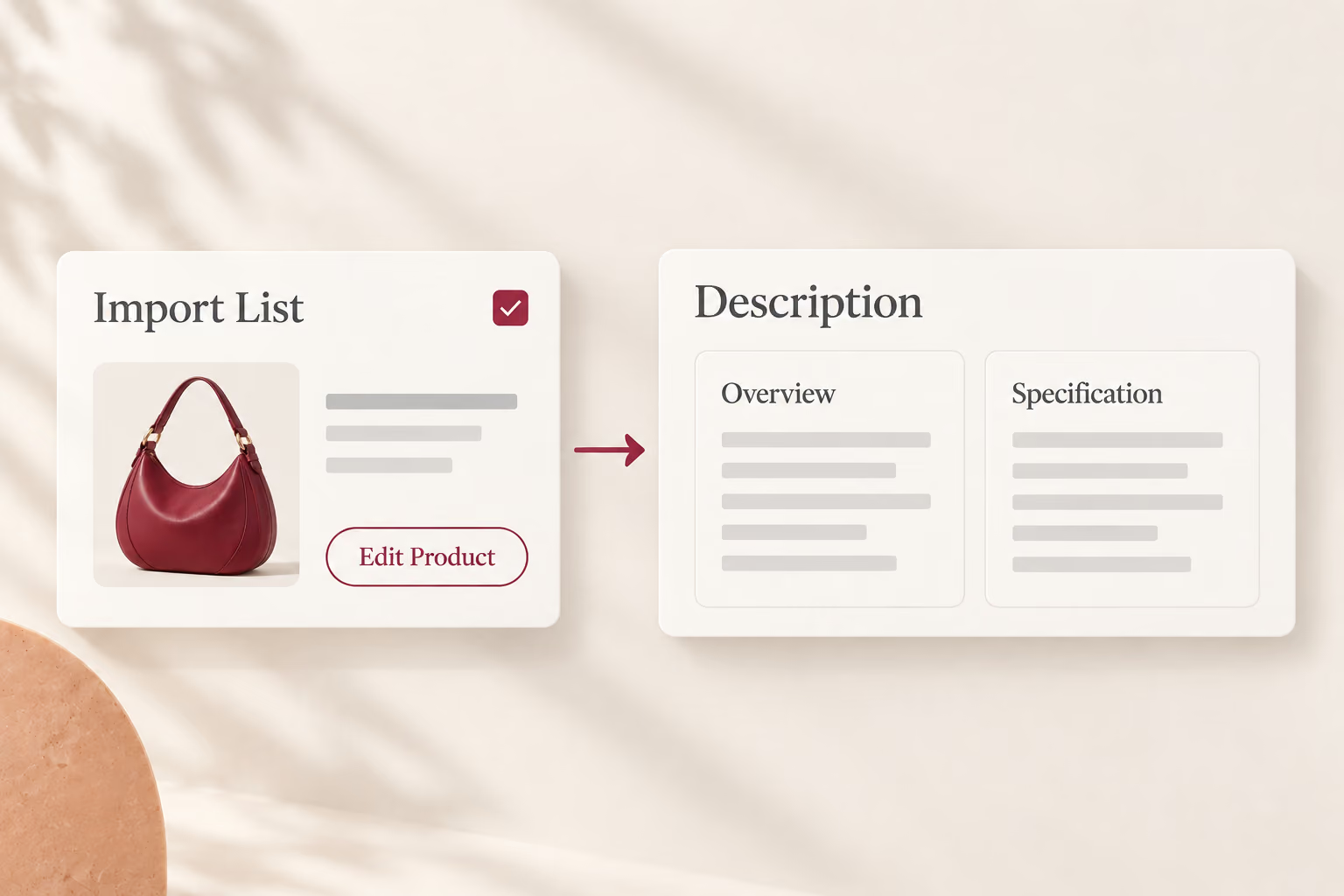
Import List leads through Edit Product to Description, which contains separate Overview and Specification sections.
Step 01

Start with an imported product

In Import List, open Edit Product and the Description tab. Start with a product that already contains specification text. The generation input is prepared separately in the next step.

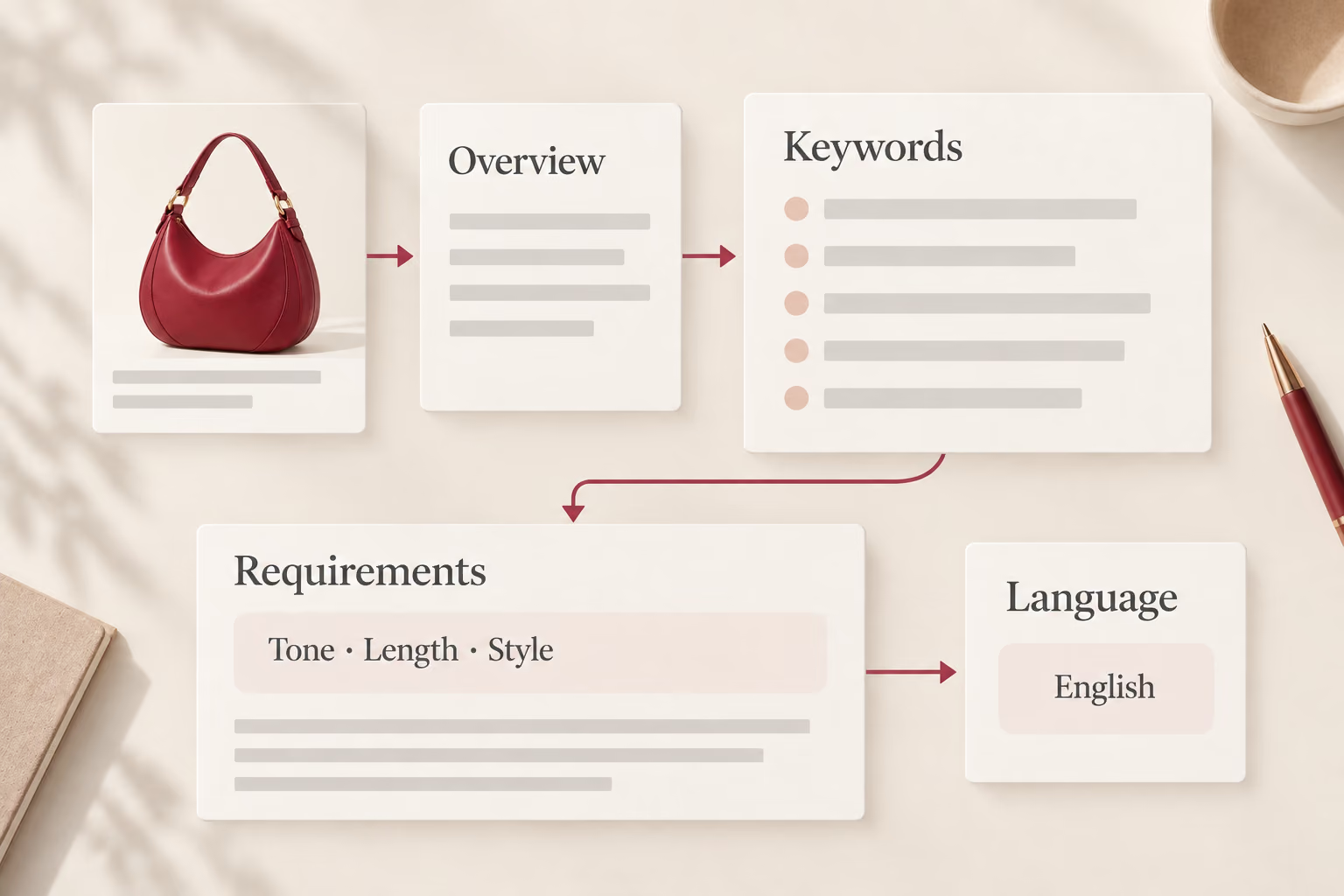
Overview fills the required keywords; writing requirements and a separate language choice guide the draft.
Step 02

Set the direction

Open AI Product Description Optimization. The required keywords field starts with your Overview text; refine it around the product. Your requirements guide tone, length, and style; a separate language option sets the output language.

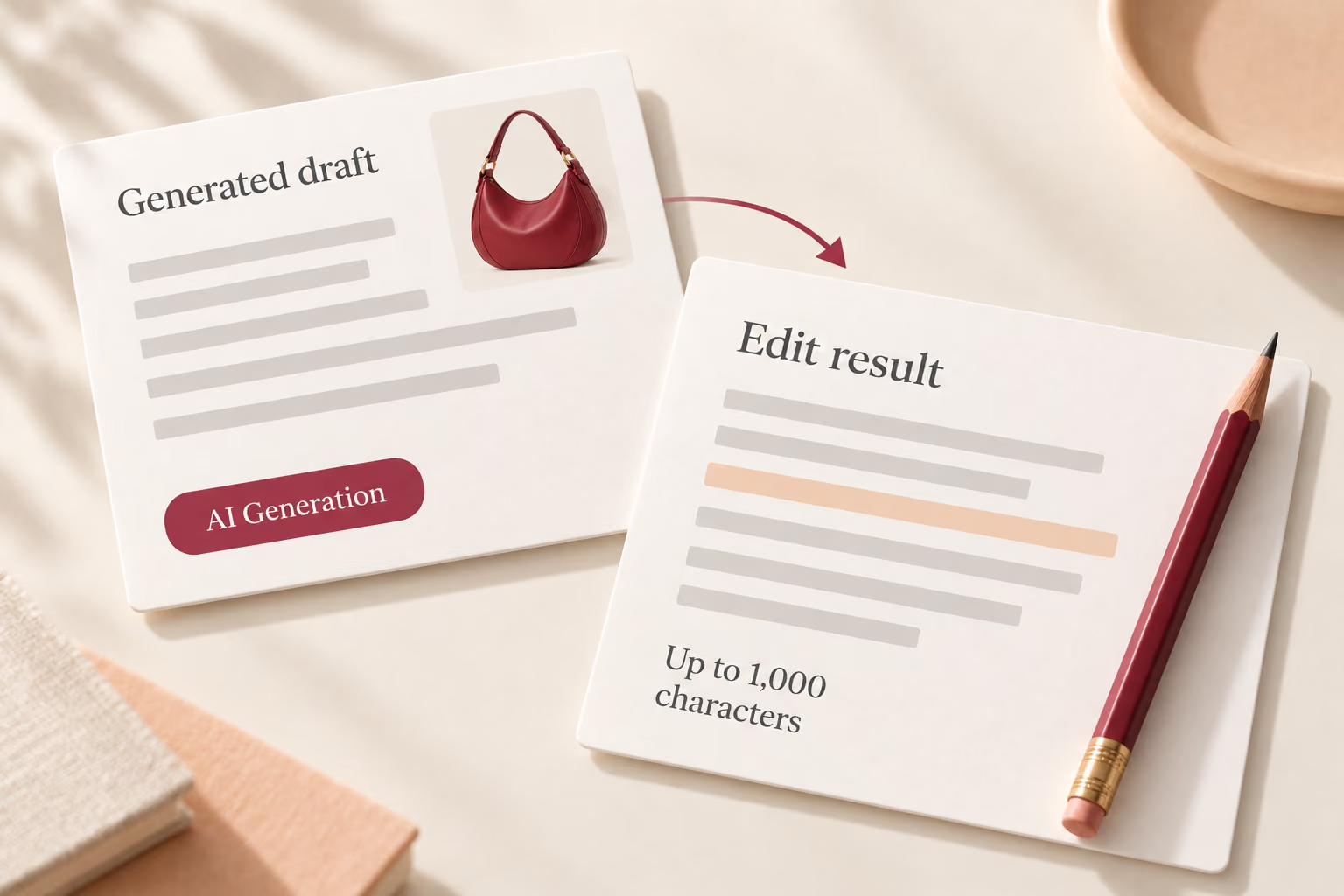
AI Generation produces a draft that can be edited, up to 1,000 characters.
Step 03

Refine the generated copy

Select AI Generation to create the draft. The result remains editable, with up to 1,000 characters available for your final wording before you apply it.

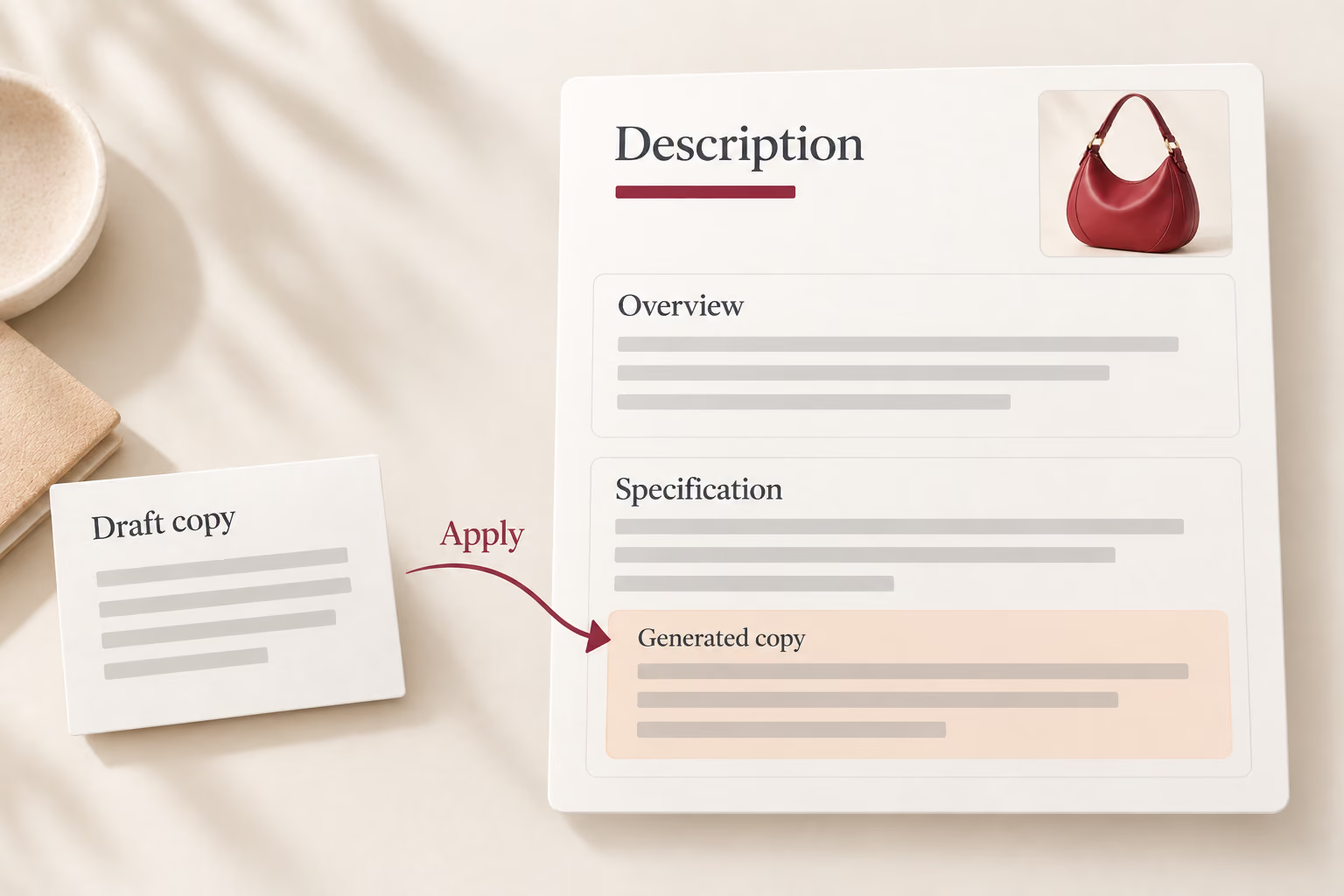
Description contains Overview and Specification; Apply adds generated copy below the existing specification text.
Step 04

Bring the description into your listing

Apply adds the generated copy below the existing text in the Specification section. Review the complete description, finish your edits, and push the product to your store when ready. Applying a draft does not publish it.

Give your next product a stronger introduction

Your next imported product deserves an introduction of its own. Bring its details into focus with DSers AI, and give customers a clearer reason to consider it.

FAQ

What does the DSers AI product description generator do?

It drafts descriptions from product information in the Import List editor. You can set writing requirements, choose a supported language, and edit the result before applying it to the product.

Does optimization replace my existing description?

No. Description optimization adds the generated copy below the existing text in the Specification section. Translation behaves differently: it replaces the selected Overview or Specification section when you apply it.

Can I translate a description from any language?

No. DSers AI Translation requires English source text and offers 14 target languages. Description generation is a separate mode with six output languages.

How is AI usage counted?

Each generation uses one AI credit. If you run out, DSers prompts you to purchase an AI resource pack or upgrade your plan. Staff accounts share the main account’s usage and cannot subscribe separately.

Does AI copy guarantee better search rankings?

No. A generated description is a writing aid, not a ranking guarantee. Review relevant product terms, readability, and factual accuracy before publishing your listing.

Can I use it on products from different suppliers?

Yes. DSers supports AI optimization for products imported from AliExpress, Alibaba.com, and 1688. Prepare the product information in your Import List before generating the description.